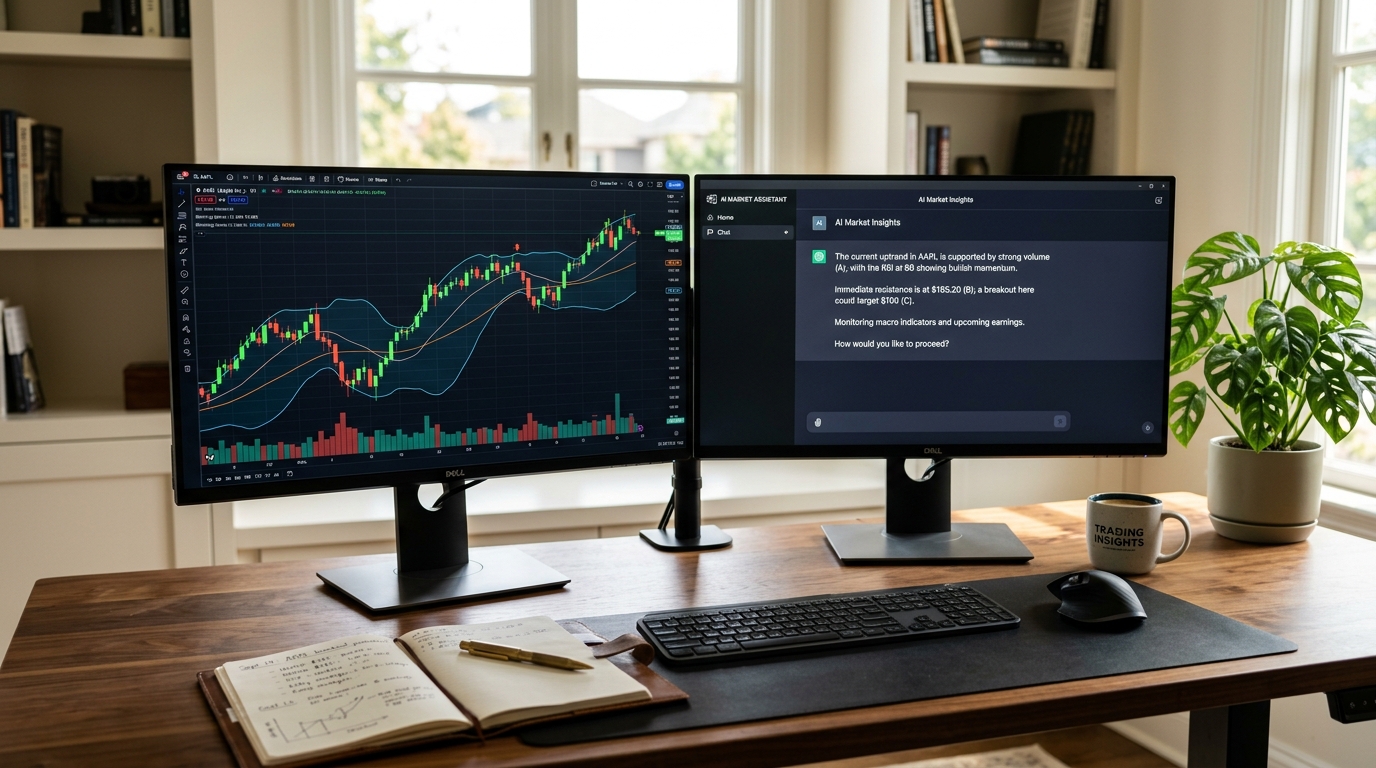
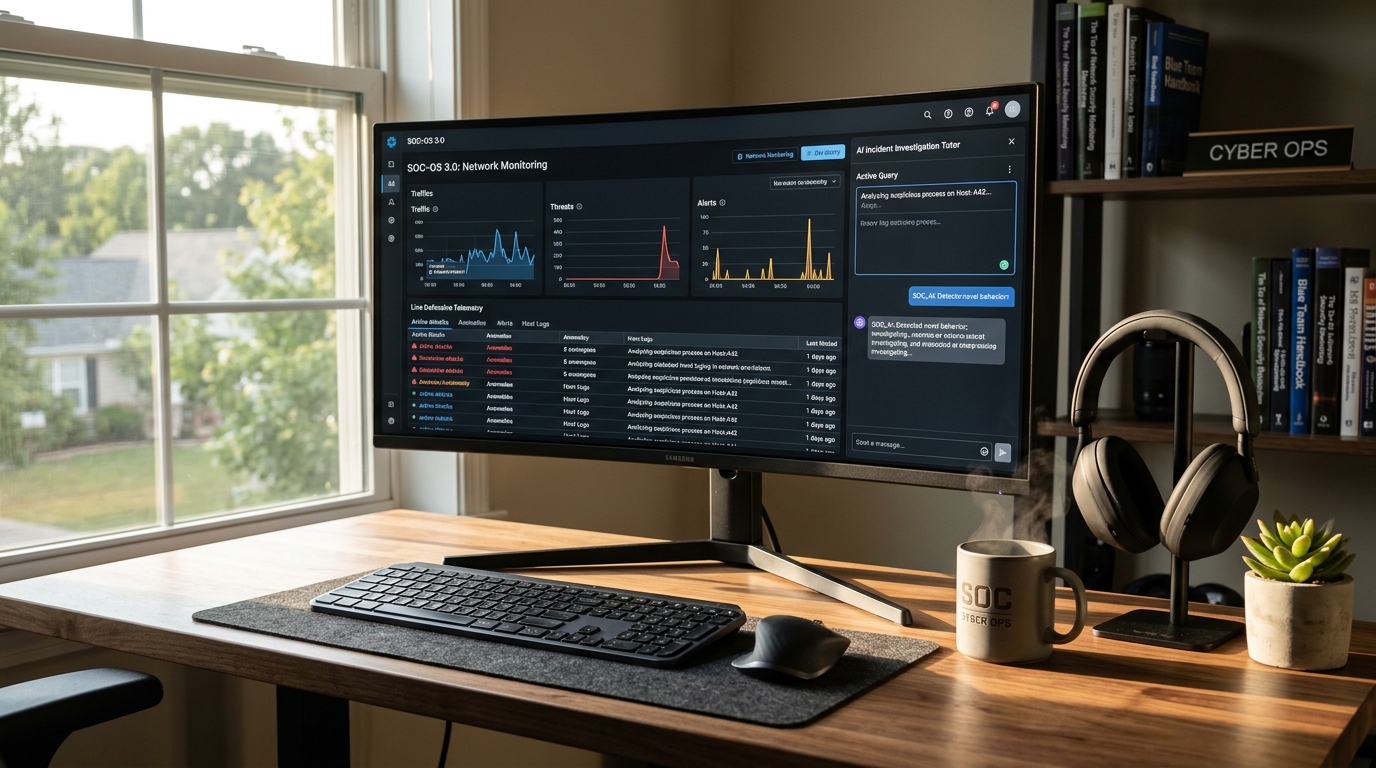
Reads what you share
Being builtPlanned support for a broad range of applications and websites.
One agent for whatever is on screen, when a specialist agent does not cover it.
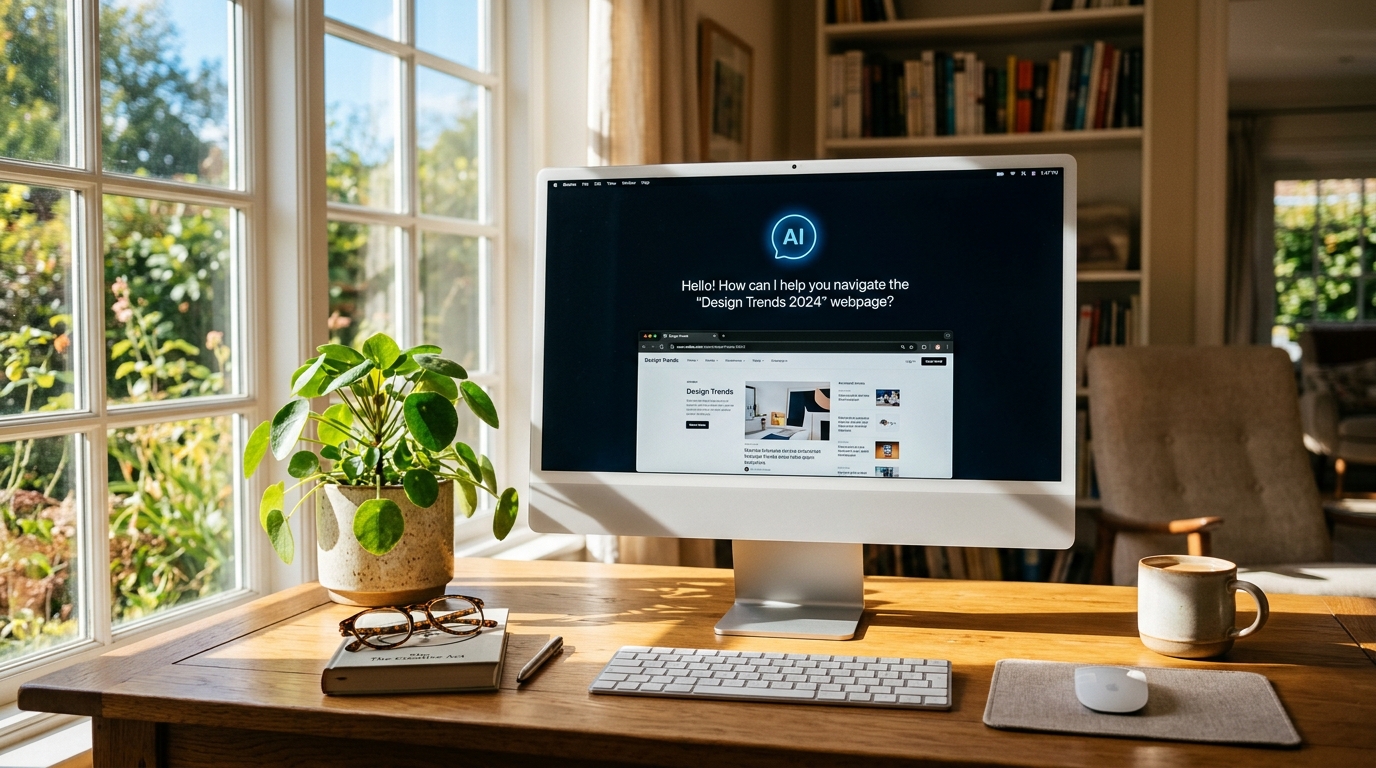
The General Screen agent is the long-term shape of Intelligenfy: you share a screen, and an agent helps, whatever the software happens to be.
It is planned for the everyday tasks that fall between the specialist agents: a government form, an unfamiliar admin panel, a setting buried three menus deep.
It is the last piece of the roadmap, because a specialist agent will always teach its own field better.
This is what the agent is being built to do. Nothing here is running yet.
Planned support for a broad range of applications and websites.
One instruction at a time, checked against what is on screen.
No jargon unless you ask for it.
Shows where to click rather than describing it.
Hands over to a specialist agent when one fits better.
The same deliberate sharing and sensitive-screen protection as every agent.
Get walked through the task on the screen in front of you.
Step-by-step guidance without being made to feel slow.
A patient explainer for the person you usually support.
The same four steps on every Intelligenfy agent.
The learner picks what they want to understand: a field, a topic, or the program open in front of them.
The learner deliberately shares a selected screen, browser tab or application with Intelligenfy.
The AI agent observes the screen you shared, explains what is visible and answers by voice or text.
The learner works through guided exercises and is corrected as they go, while Intelligenfy tracks what they have finished.
More detail on how screen-aware agents work.
Not yet. It is the furthest out on the roadmap, after the specialist agents.
No. Intelligenfy never asks for credentials and never types them for you, on any agent.
It is not open yet. Join the list and you are invited before general release.